Headlamp
An extensible Kubernetes UI for one or many clusters, in-cluster or on the desktop
- Category
- Web platforms & developer tools
- Best-fit role
- Kubernetes plugin developer DX study
- Focus
- OpenShift plugin views UI features Plugin development guides
- Links
- headlamp.dev
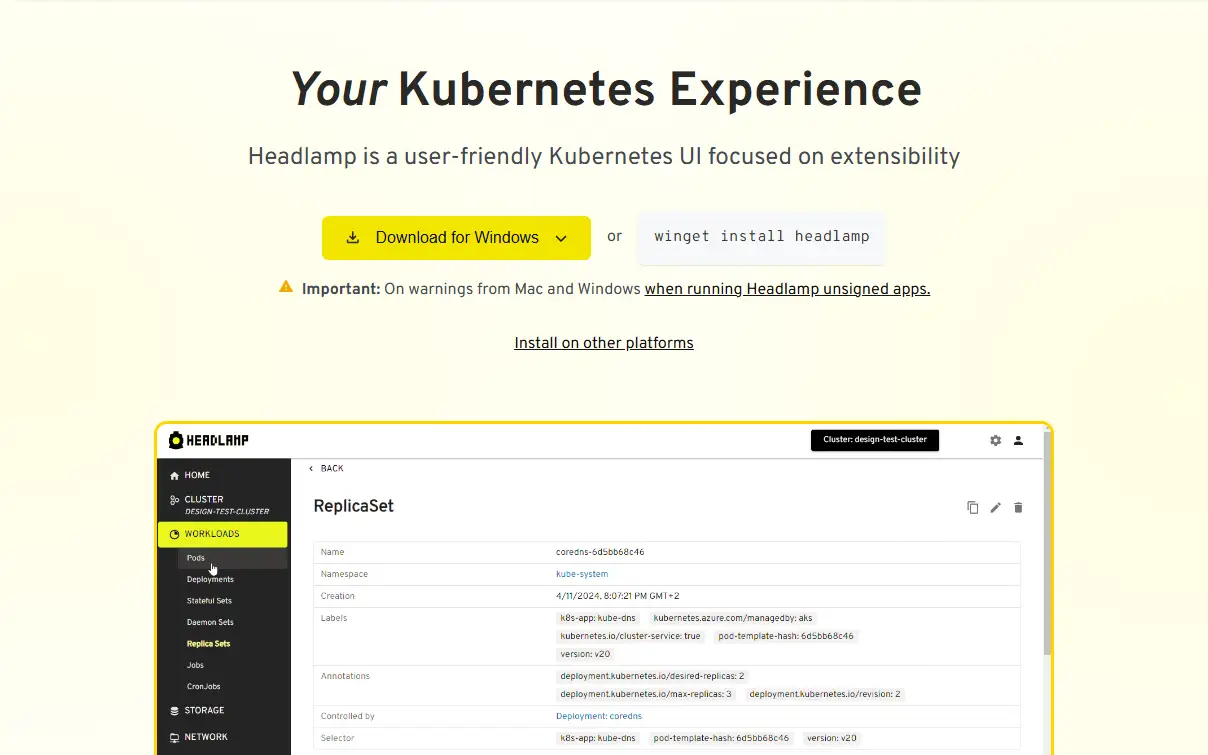
The product
Headlamp is a Kubernetes UI that connects to one or many clusters. It runs either as a web app inside a cluster or as a desktop app, and plugins customize how it looks and works. Its backend handles authentication, RBAC, and API aggregation, and it uses WebSockets for real-time cluster updates. The plugin ecosystem already includes an AI assistant plugin, a Helm app catalog, and integrations for Flux, KEDA, Karpenter, and Knative.
The developer problem
A general-purpose Kubernetes UI has to stay general, but the teams using it run specific distributions and toolchains. An OpenShift-specific view, for example, would put the platform’s own resources next to core objects. Plugins are how Headlamp closes that gap, so the plugin path matters most. A plugin has to respect the user’s RBAC permissions, work in both the web and desktop builds, and stay current as cluster state changes. How clear the APIs, examples, and guides are decides how quickly the ecosystem grows.
My focus
- OpenShift-specific views. I’d focus on delivering them as a Headlamp plugin, so OpenShift resources sit next to core Kubernetes objects and follow the same RBAC rules.
- UI features in React and TypeScript. I’d work on views that build on the backend’s WebSocket updates, so what a user sees tracks the cluster as it changes.
- Web and desktop parity. I’d test each plugin in both the in-cluster web app and the desktop app, since one plugin has to behave the same way in each.
- Plugin development guides. I’d write each guide after building the plugin end to end, so every step from an empty project to a working plugin has been run at least once.
Why it fits my experience
- At Red Hat I created technical documentation for Red Hat Virtualization and OpenShift, and I installed and migrated the products being documented rather than relying on an engineering walkthrough.
- At Mitutoyo I built desktop and web applications for measurement data collection and quality analysis, including an ASP.NET MVC dashboard so plant managers could see line status in a browser without a client install, and I implemented real-time data acquisition with local buffering and retry.
- At Meta I build the sample projects before documenting them, so every procedure has been run before a developer follows it.
Screens · 04
- View larger:
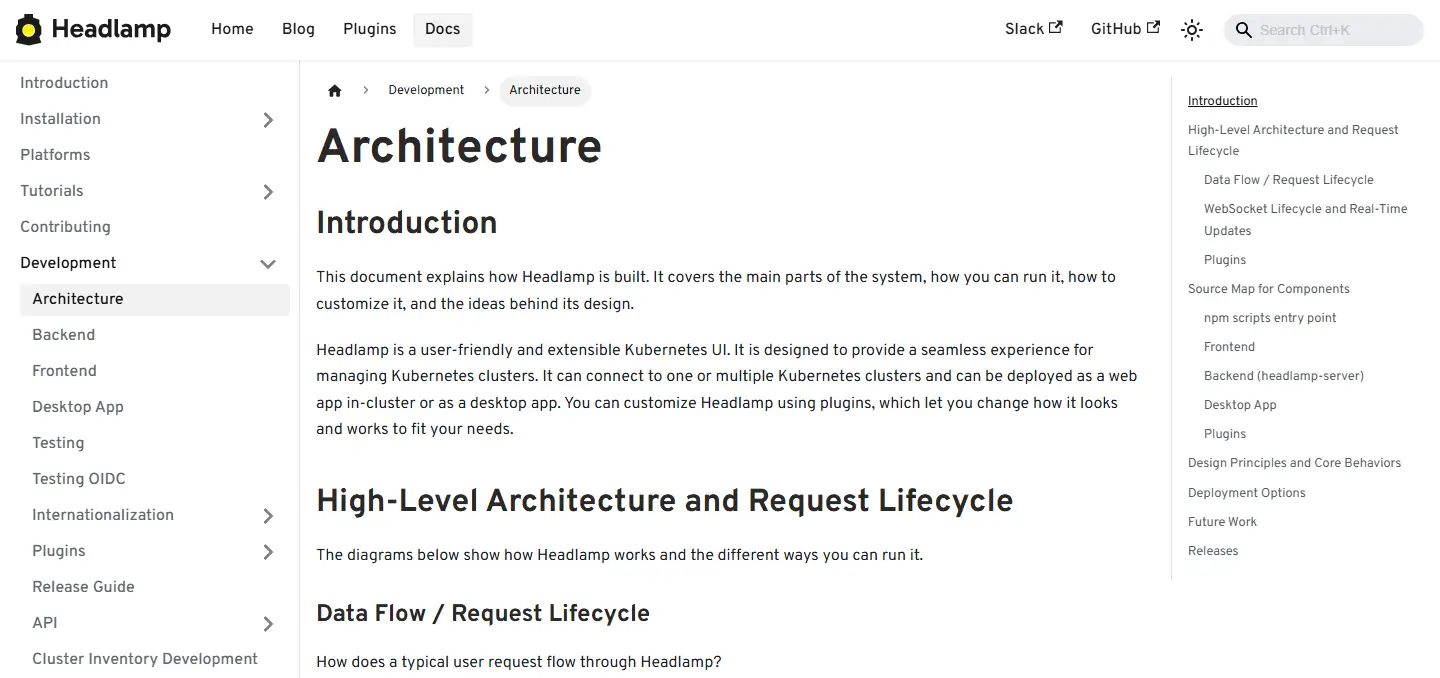
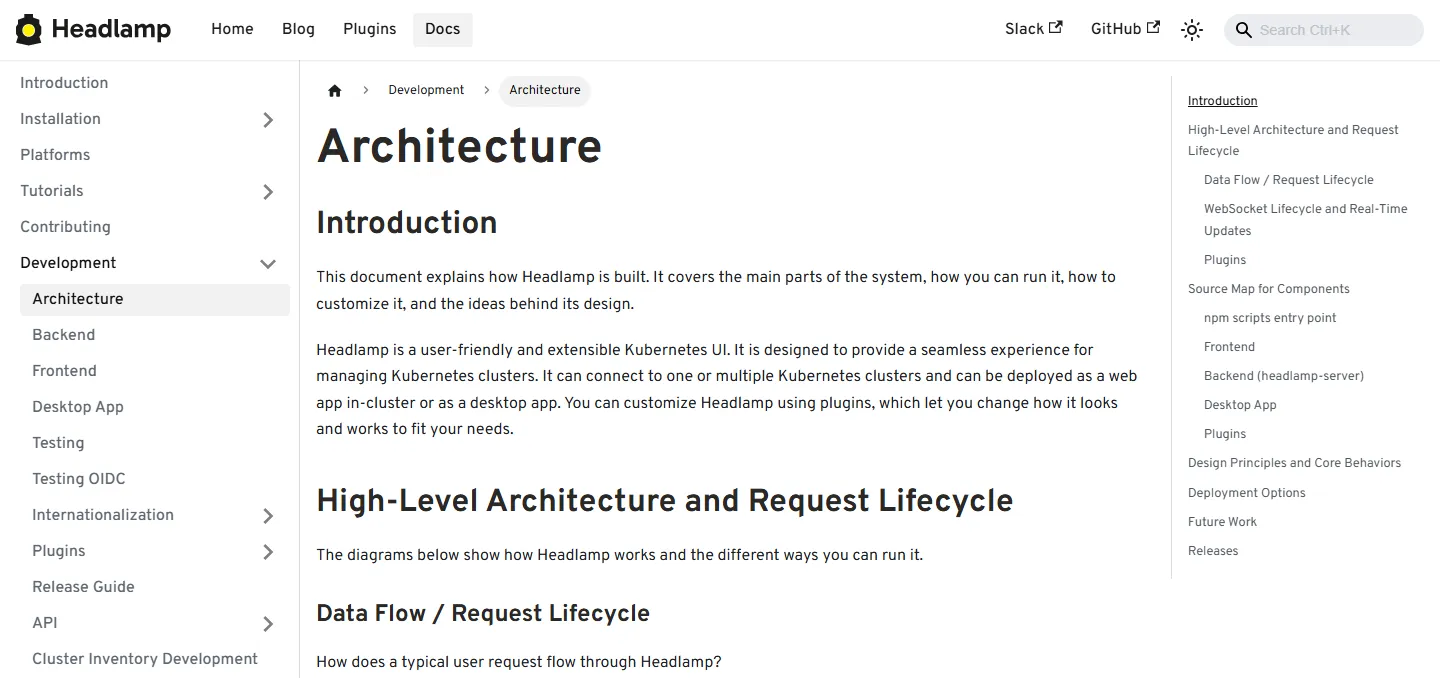
FIG 04.2 Architecture page in the Headlamp developer docs · headlamp.dev - View larger:
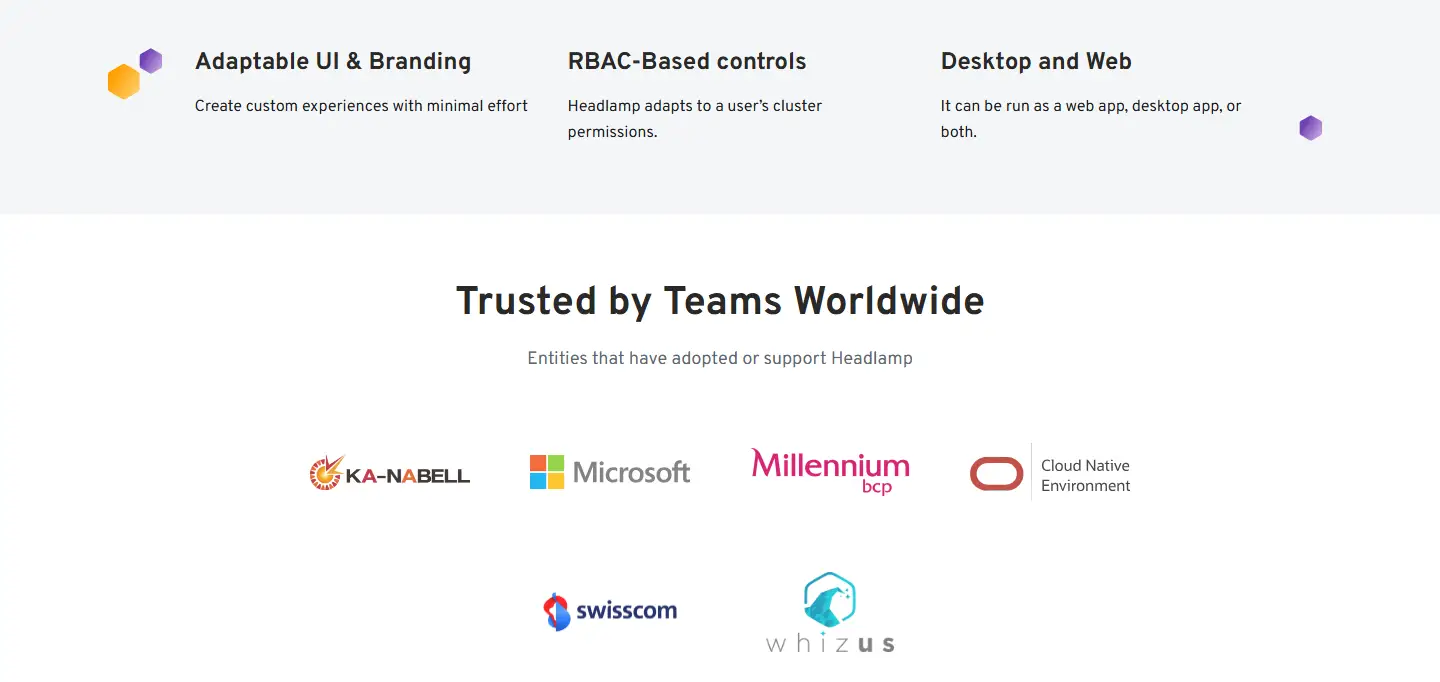
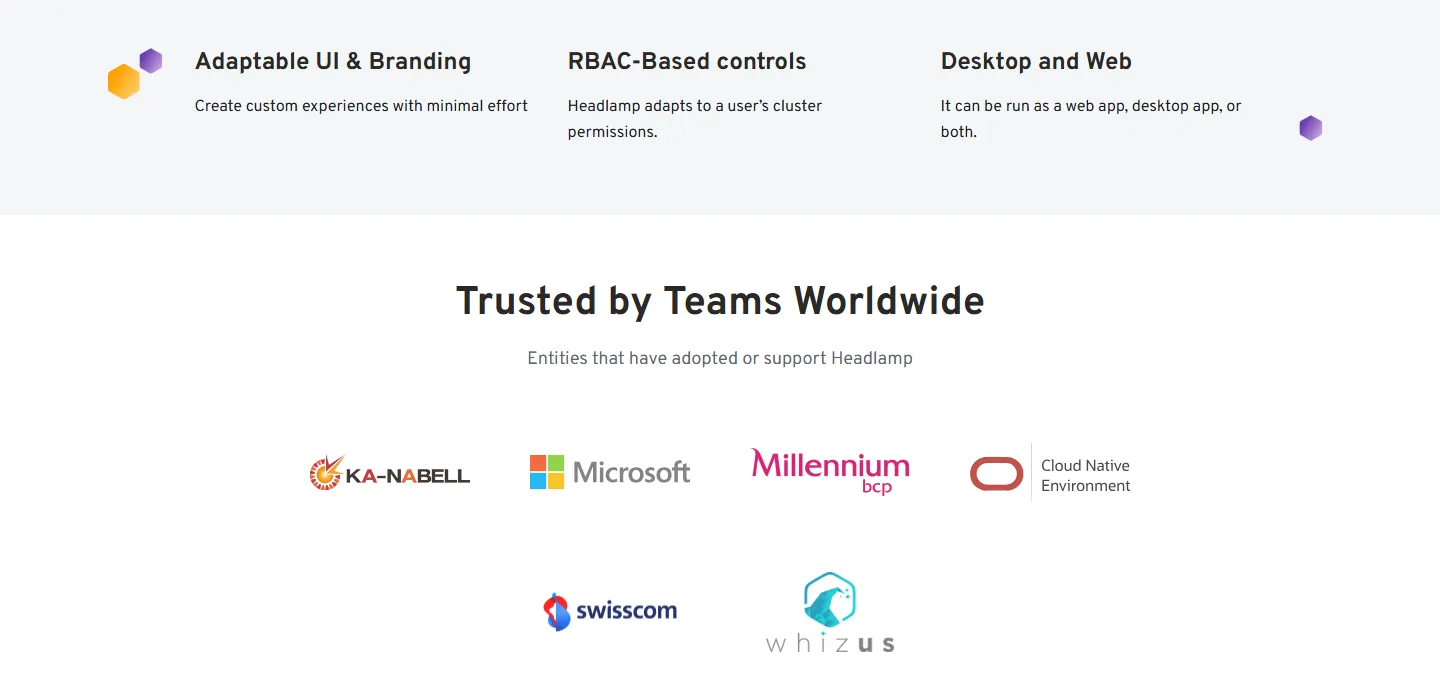
FIG 04.3 Feature highlights and adopter logos on the Headlamp homepage · headlamp.dev - View larger:
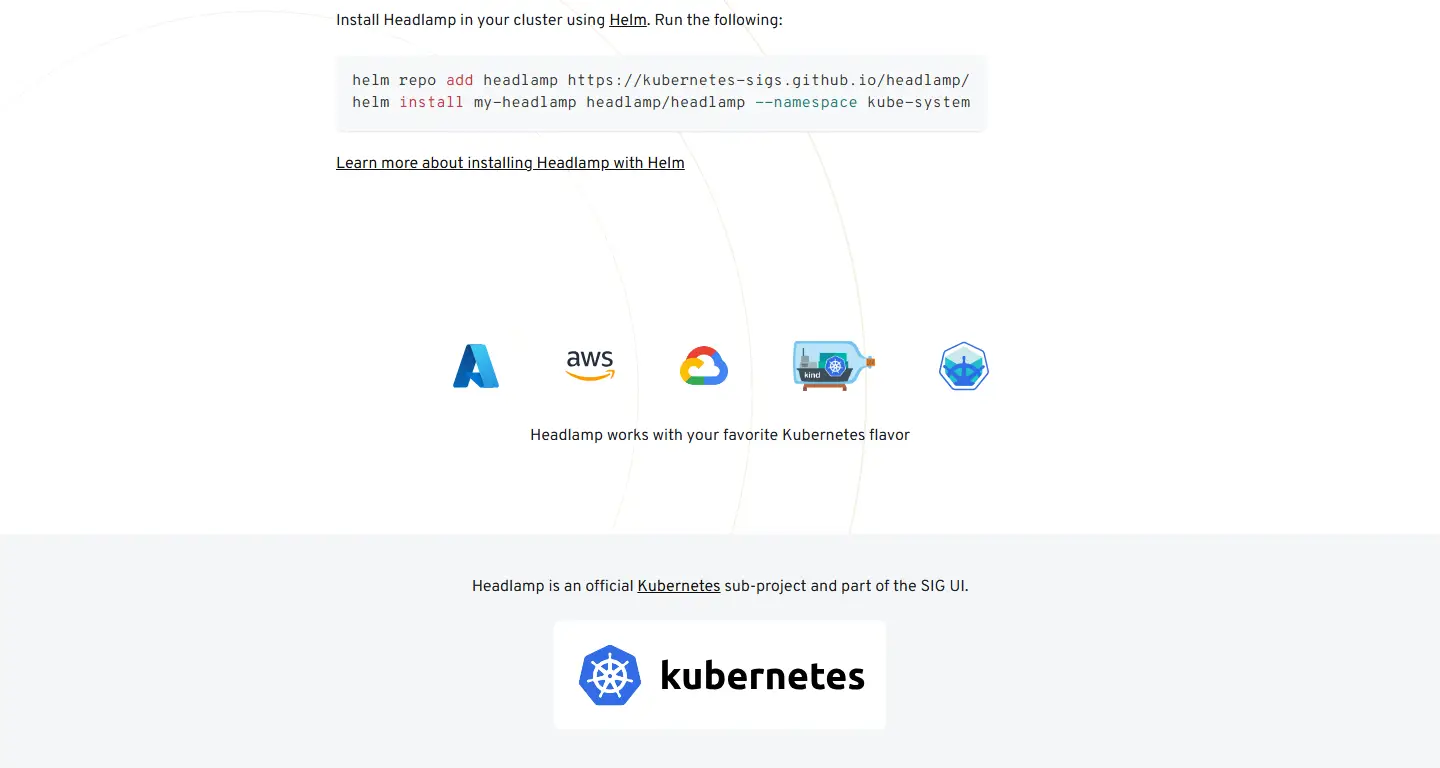
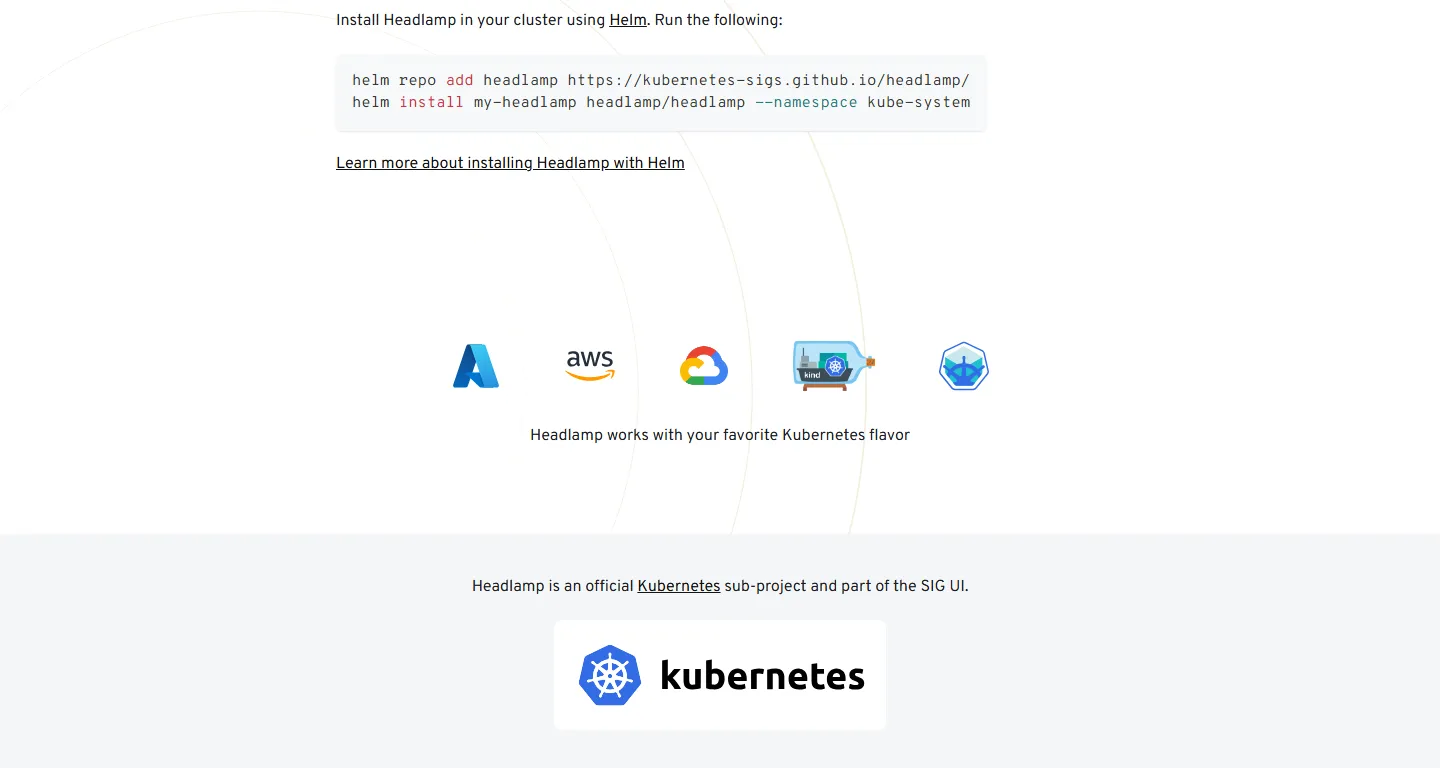
FIG 04.4 In-cluster Helm install and supported Kubernetes flavors · headlamp.dev - View larger:
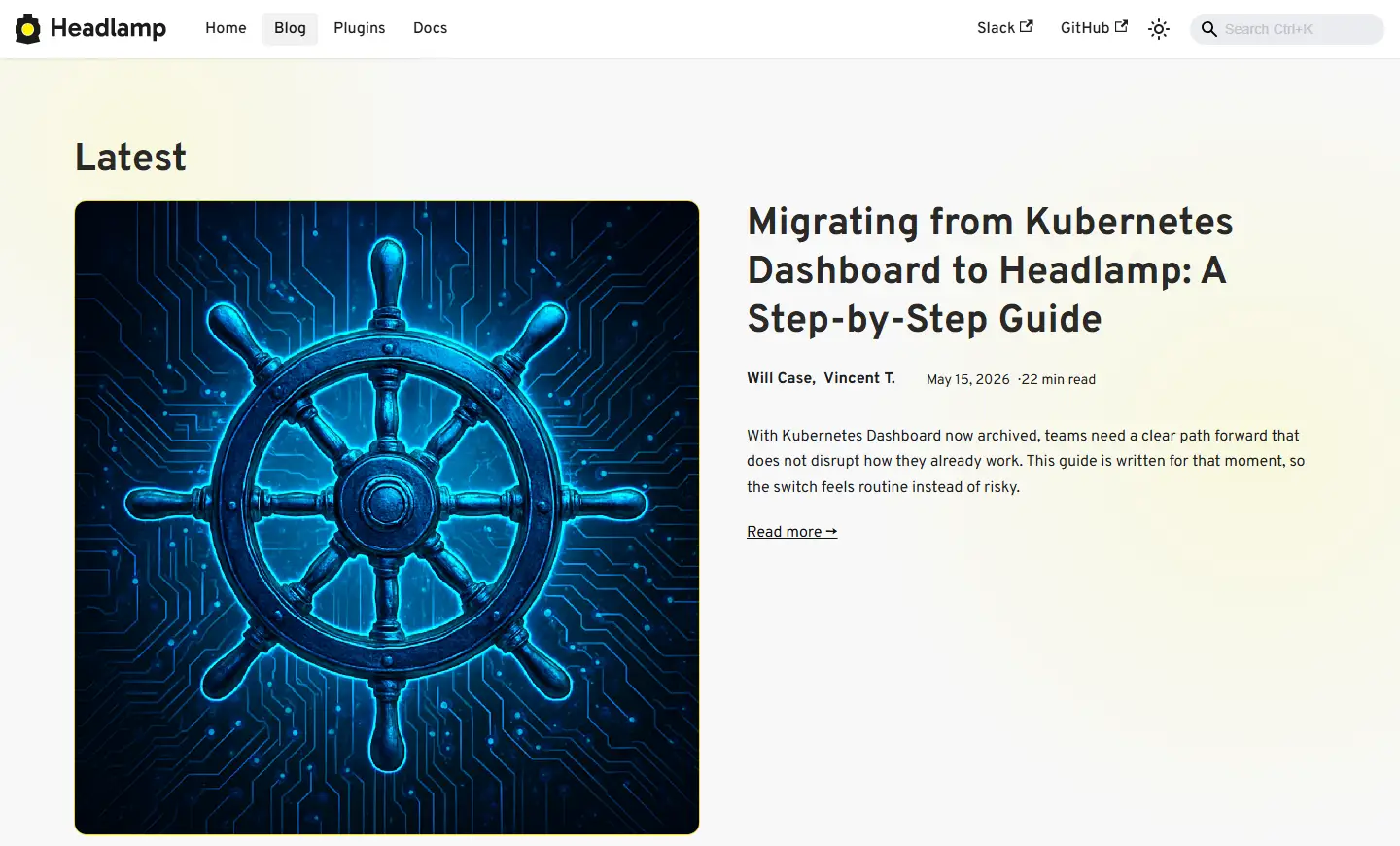
FIG 04.5 Headlamp blog post on migrating from Kubernetes Dashboard · headlamp.dev
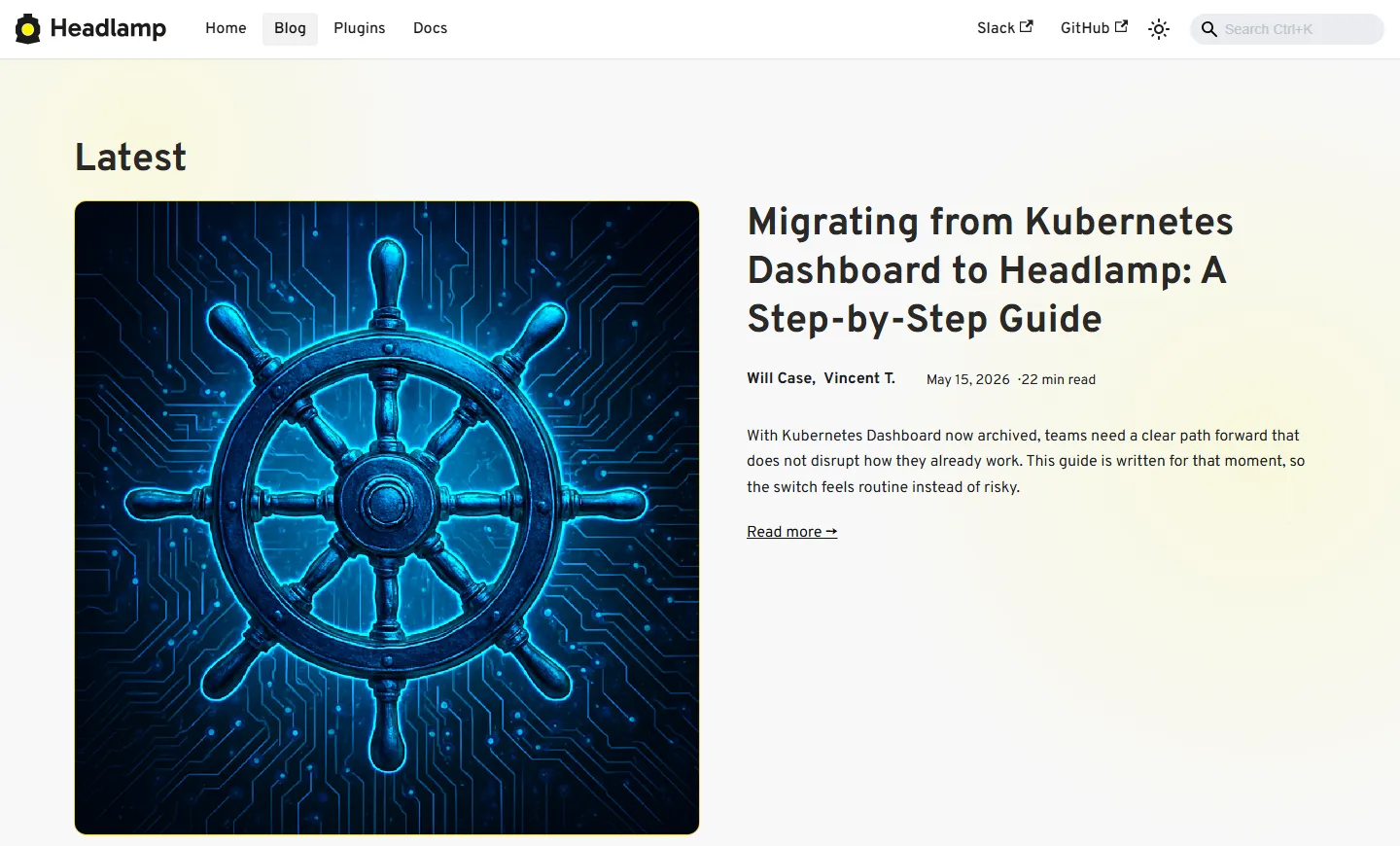
Screenshots of the public headlamp.dev site. Headlamp and its marks belong to their owners; shown to identify the product. No affiliation or endorsement is implied.